Guides2 min read
Use the cake studio: from a starting sketch to your enquiry
Choose a preset, change colours, undo edits and save versions. Learn what a shared design link includes and how to send a useful cake enquiry.
In this article
Quick answers
- The studio is an ideas tool; Mari confirms the final cake.
- Drafts and versions are stored in this browser.
- A design link shares visual choices, excluding wording and reference photos.
Start from a direction
Open the studio and choose a starting design such as vintage blush, sugar lily or quiet ivory. These are illustrative starting points inspired by the portfolio. You can also open a real cake photograph and choose ‘Start a sketch like this’. That creates an approximate direction; it does not reproduce every detail of the photograph.
Change one thing at a time
Work through shape, size, colour, details and message. Keeping the other choices constant helps you compare two palettes or shapes. Undo returns to the previous edit, while redo reapplies it. Save a version when you have a promising option; you can keep up to four alternatives on this device.
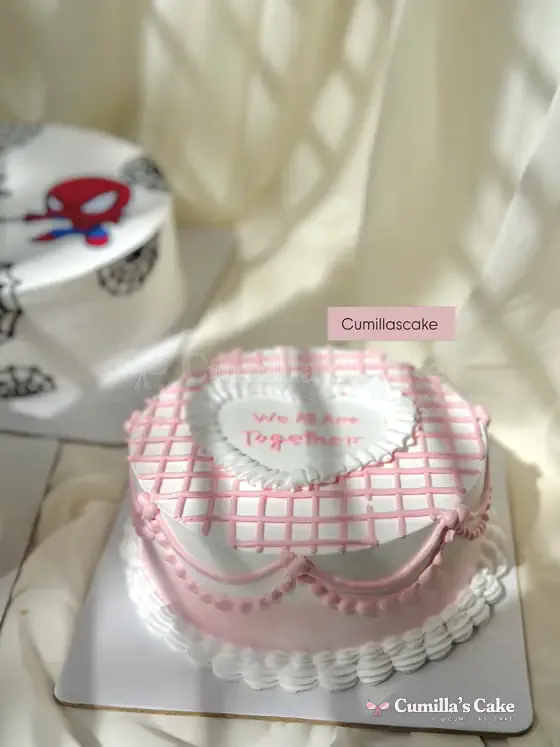
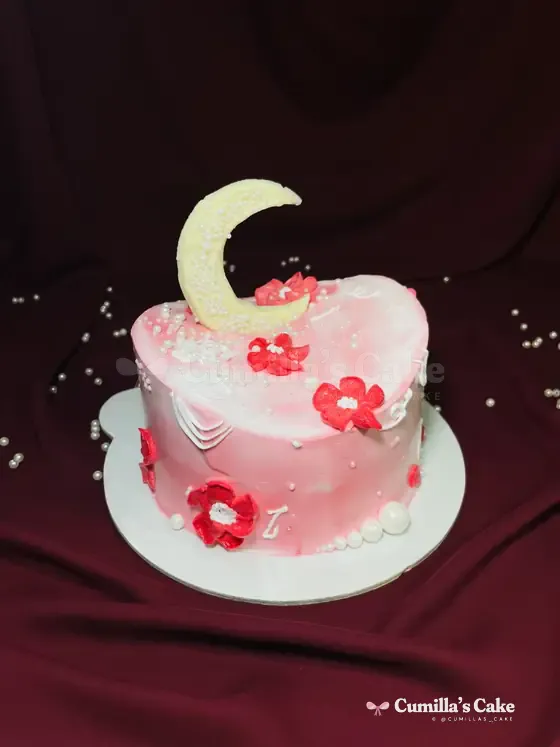
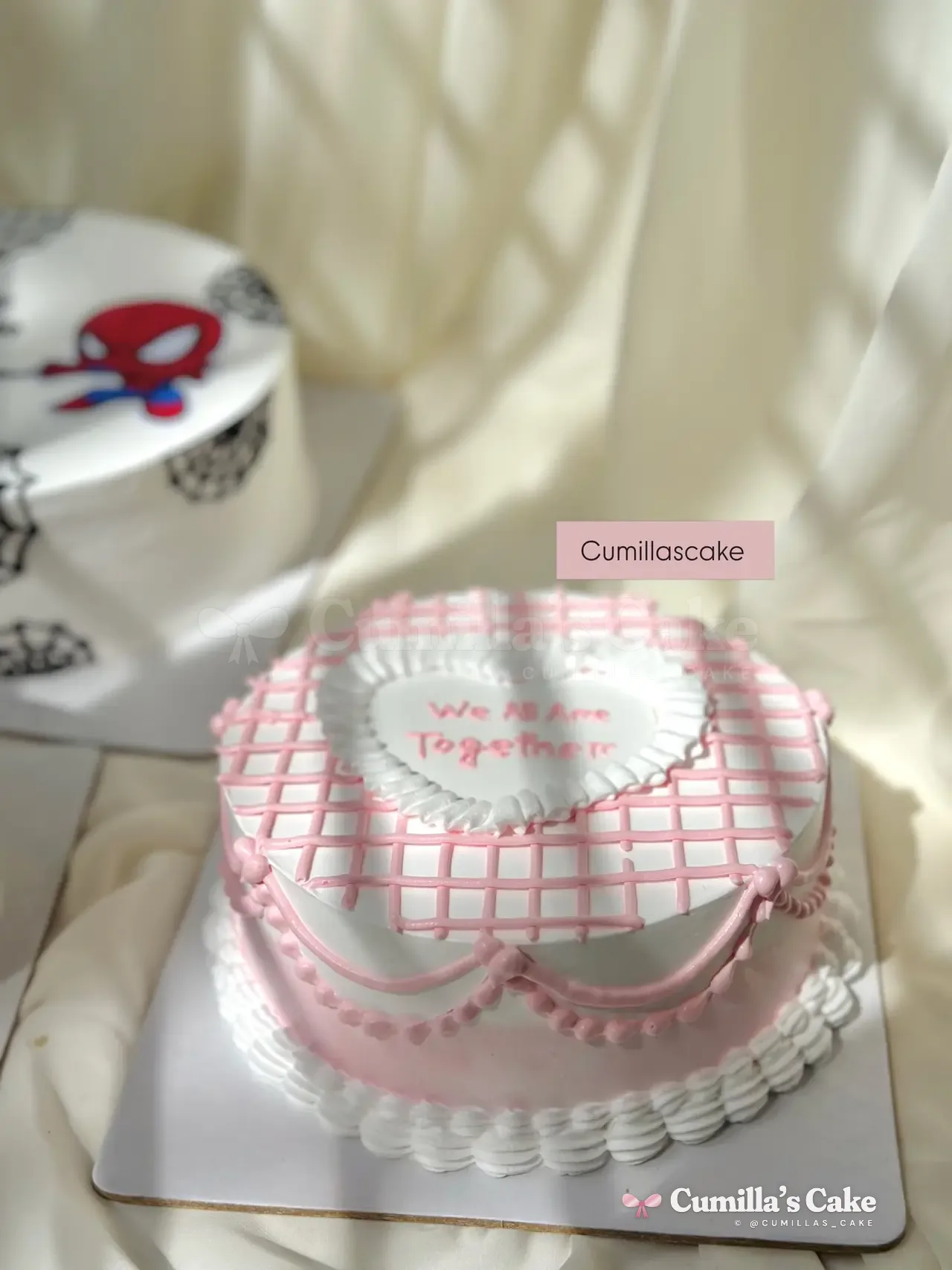 Pink gingham heart cake with Lambeth piping and a bow
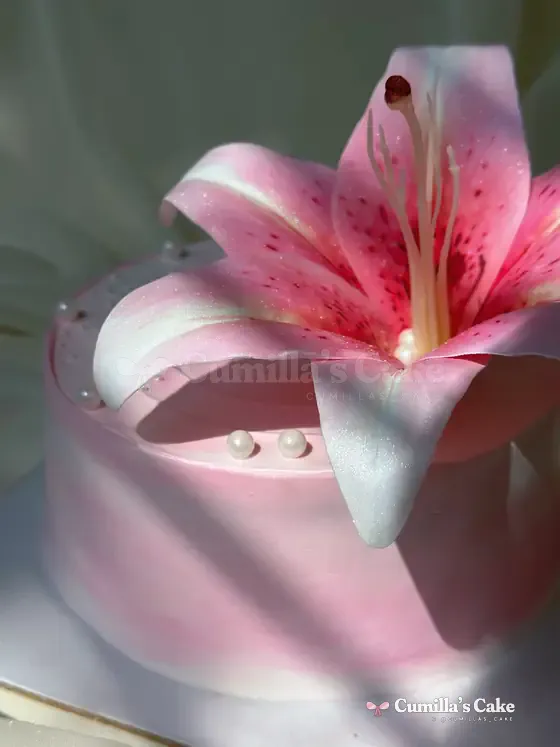
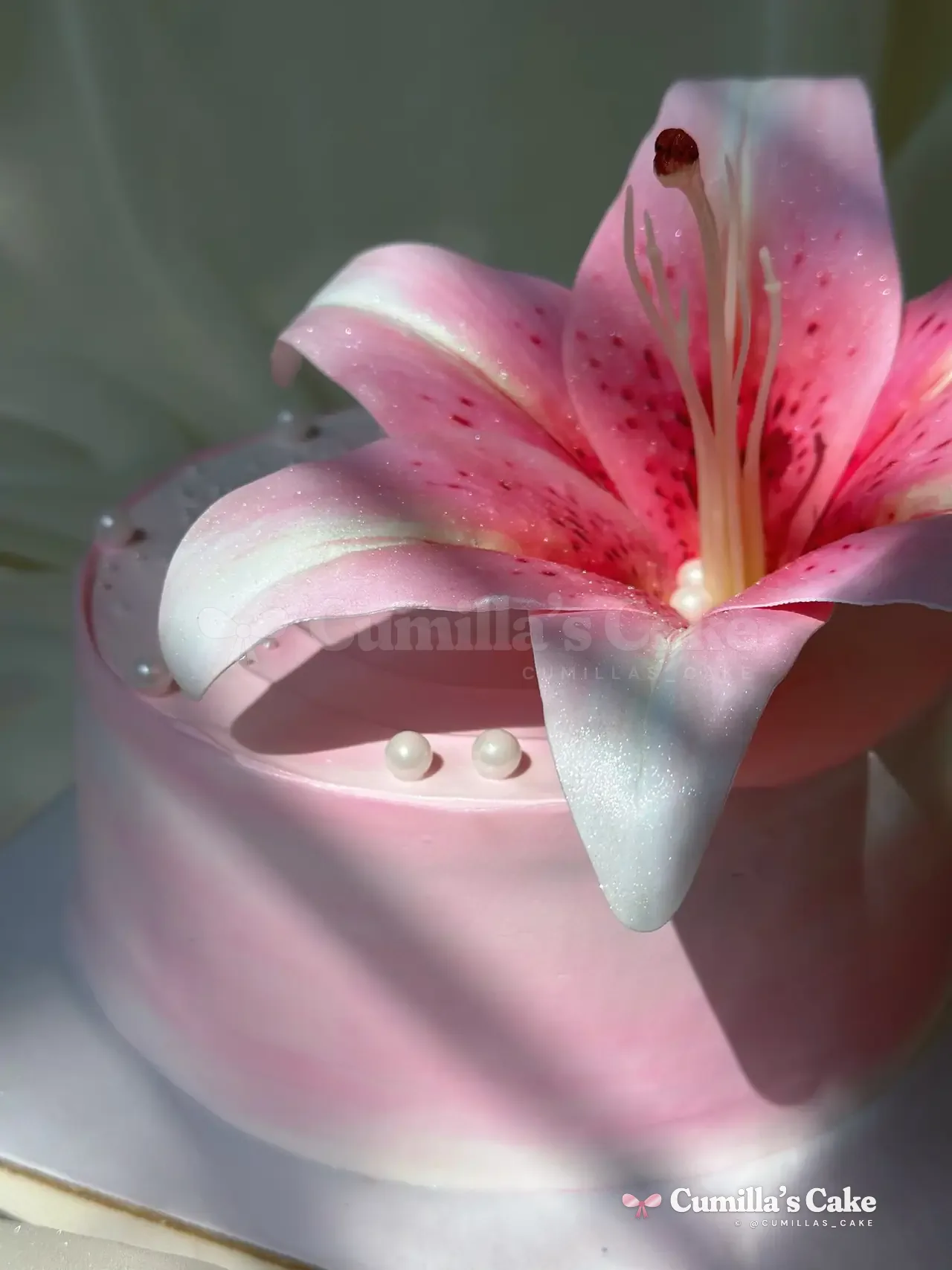 Oversized pink lily on a pink cake
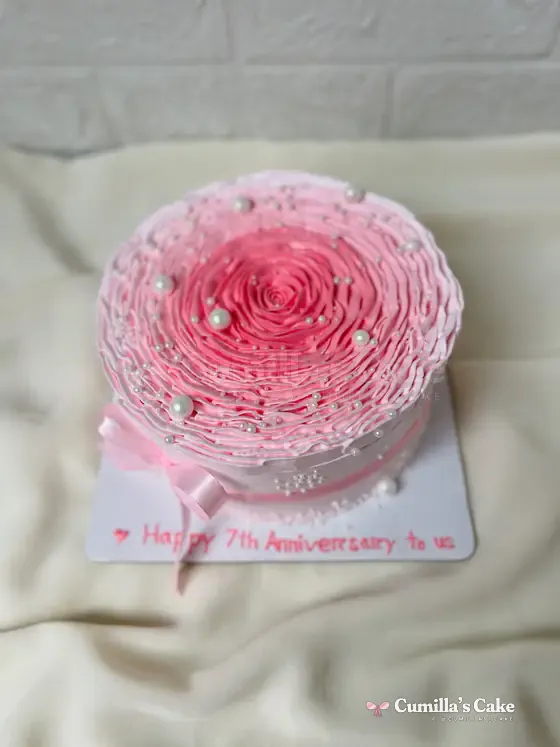
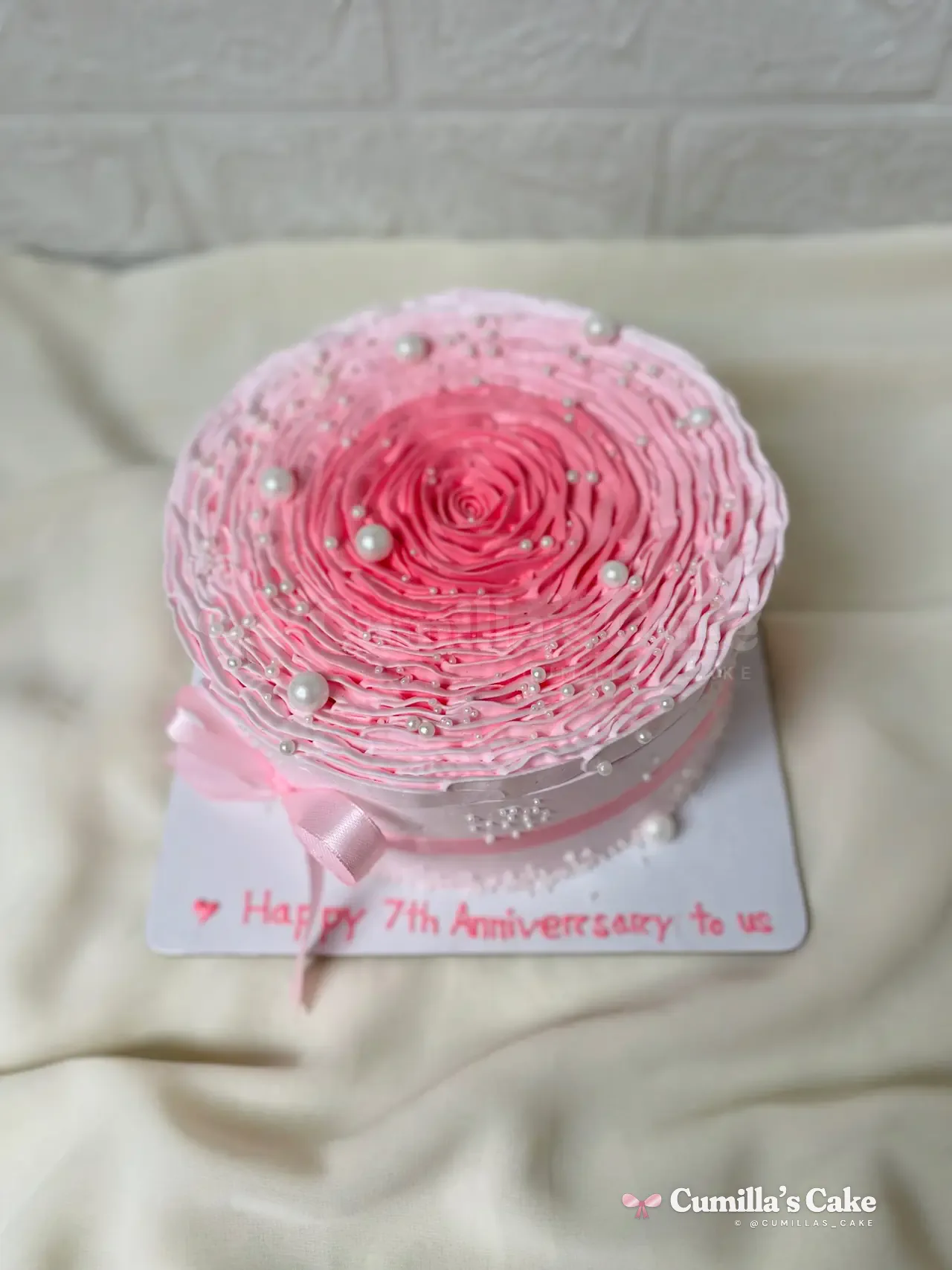 Pink ruffled rose cake: “Happy 7th Anniversary”
Check wording and references
Choose whether wording belongs on the board or cake top. The fit message is a visual warning, not a promise about physical piping space. Use exact spelling and discuss long lines with Mari. You can preview an inspiration photo locally beside the tools; the site does not upload it or attach it to an enquiry for you.
Keep the design, then discuss it
- Your draft is restored in the same browser when storage is available.
- Save a sketch image for a separate copy.
- A design link shares shape, palette and decoration choices; add wording separately.
- Use ‘Add sketch to my order’ to carry a summary into the enquiry.
- Review the message and choose Instagram, Messenger or email.
A sketch does not confirm availability, price, ingredients or structural feasibility. Keep a real reference with it and confirm those details with Mari before agreeing to an order.
Questions people ask
Will my draft appear on another device automatically?
No. Draft storage is local to this browser. Use an exported image or explicit design link to keep another copy.
Why is my wording absent from the design link?
The link deliberately contains visual choices only. Add your exact wording in the private enquiry.
Cakes from this article
Keep reading
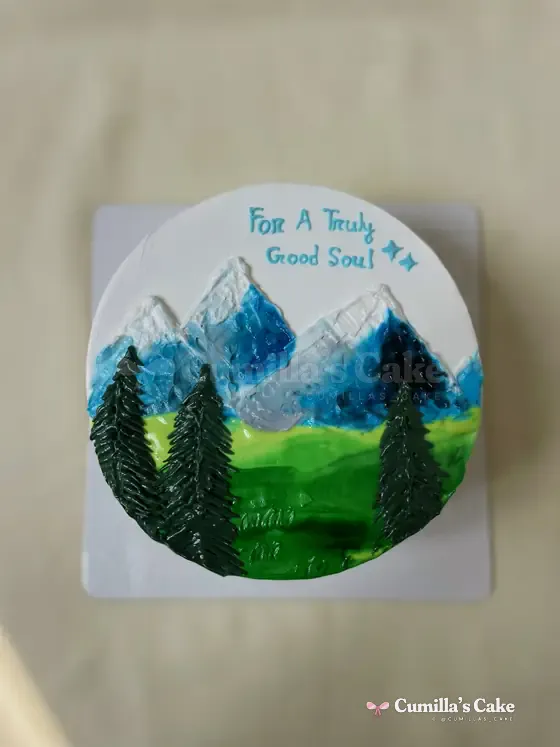 Turn a reference photo into your own cake briefExplain what you love about an inspiration image: shape, colour, focal detail and wording. Prepare a practical custom cake enquiry for Mari.Read
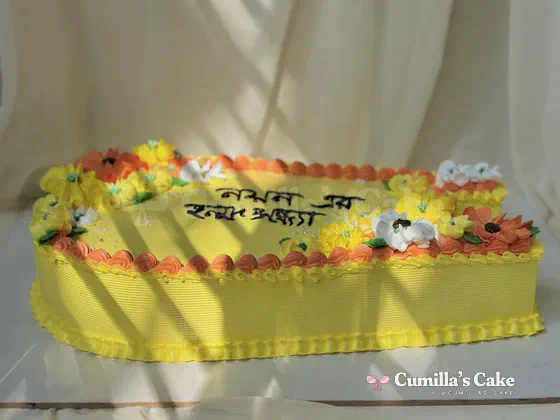 Bangla lettering on cakes: spacing, line breaks and clarityPrepare exact Bangla spelling and a short, readable cake message. Compare cake-top and board placement, and use the studio’s wording preview thoughtfully.Read