Guides4 min read
Photograph your cake with a phone: a simple five-shot plan
Capture the whole design, lettering and handmade details with a short phone-photo workflow that keeps colours believable and the celebration relaxed.
In this article
Quick answers
- Prepare the background before bringing the cake out.
- Take a whole-cake photo, a detail, the message, the celebration moment and a slice.
- Keep filters modest so the cake still looks like the cake you received.
Make a small photo plan before the first candle
A good cake photograph records work that will soon be cut and shared. You do not need to turn a family birthday into a long photo session. Decide on a clean place, choose who will take the main pictures and clear space for the cake board. Keep a short shot list on the phone so you can stop adjusting the table and return to the people celebrating.
In a Cumilla home, a plain wall or a cleared dining-table corner can be enough. You do not need an outdoor landmark for the picture. Set up the empty background first and keep any required refrigeration and serving instructions in place. The cake’s care comes before waiting for a perfect patch of sunlight.
Use the light you can control
Canon’s food-photography guidance recommends attention to natural light, a clean background and different camera angles. A useful home starting point is gentle window light from one side. Our cake-specific workflow below is an editorial application of those principles, not a requirement for any camera model.
Look at the screen before pressing the shutter. If one side looks orange and another looks blue, mixed room and window light may be changing the colours. Try a simpler light setup rather than a stronger beauty filter. Keep decorations away from anything hot, and move your camera around the table instead of repeatedly moving a fragile cake.
The five photographs worth keeping
| Shot | What it should show |
|---|---|
| 1. The whole cake | The silhouette, board and main decoration without a cropped top |
| 2. The handmade detail | One lily, a painted petal or a line of piping |
| 3. The message | Exact wording from an angle where it can be read |
| 4. The celebration | The people or candle moment, with their agreement |
| 5. The slice | The actual inside after cutting, if you want to remember it |
Choose the angle for the design. A calendar or a message across the top benefits from a higher viewpoint. A tall sugar lily needs space above it and a lower view that shows its height. If the decoration is mostly on the side, take the main frame from that side rather than forcing an overhead picture.
 White cake with red hearts, a fresh red rose and a June calendar for the big date
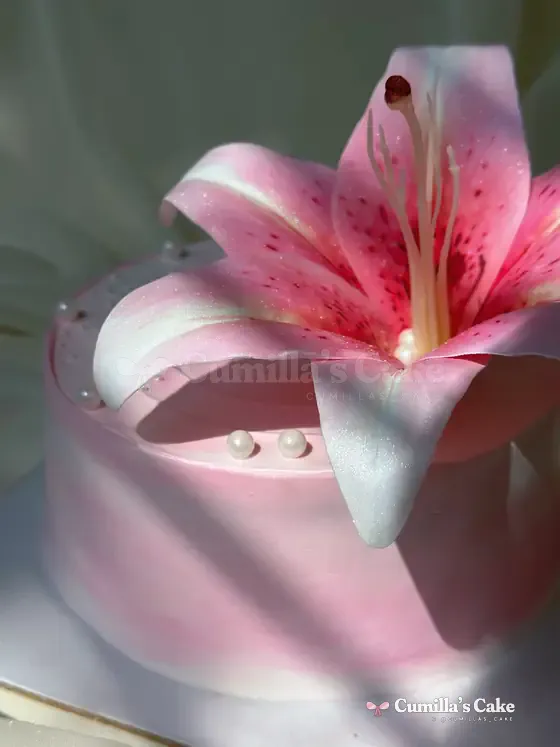
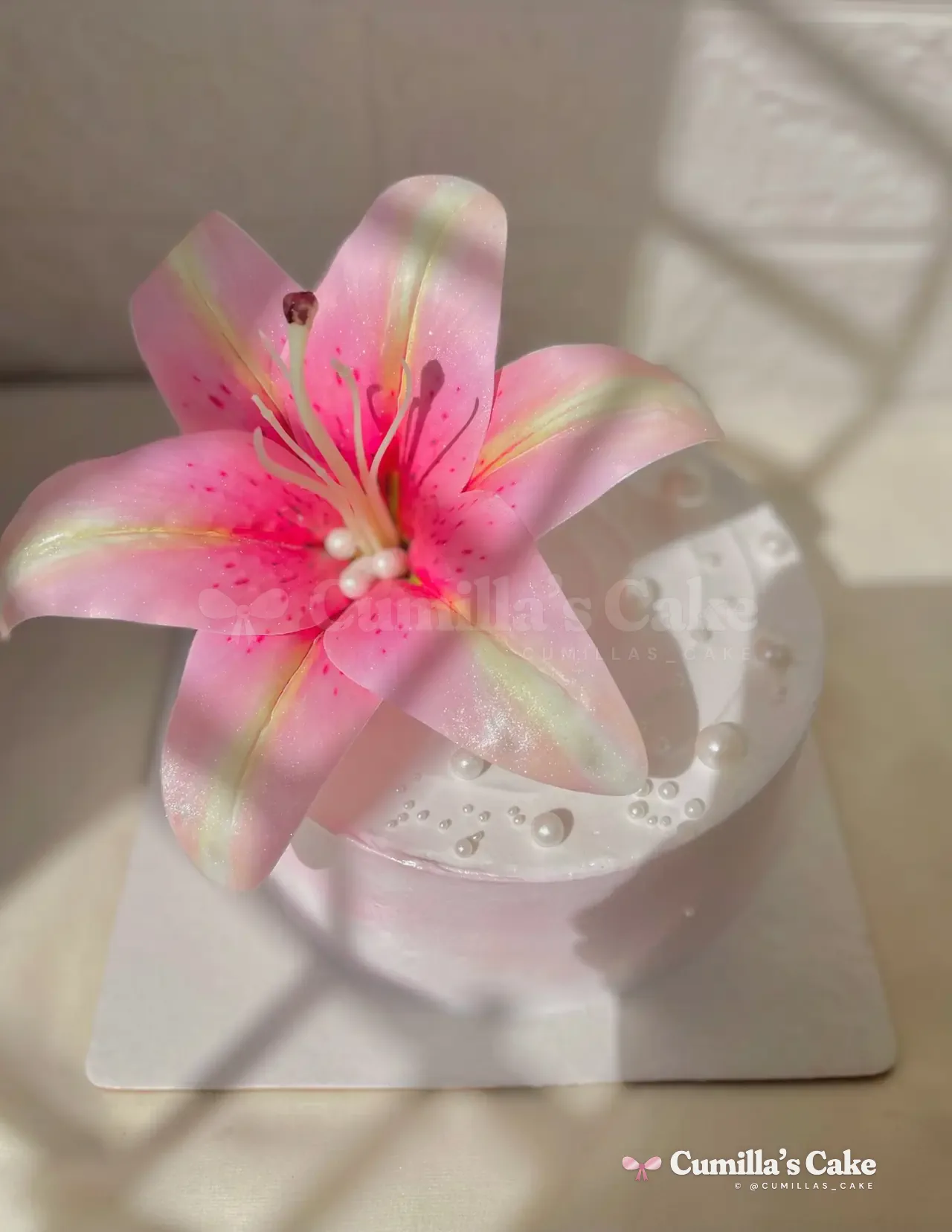 Pink stargazer sugar lily on a white cake
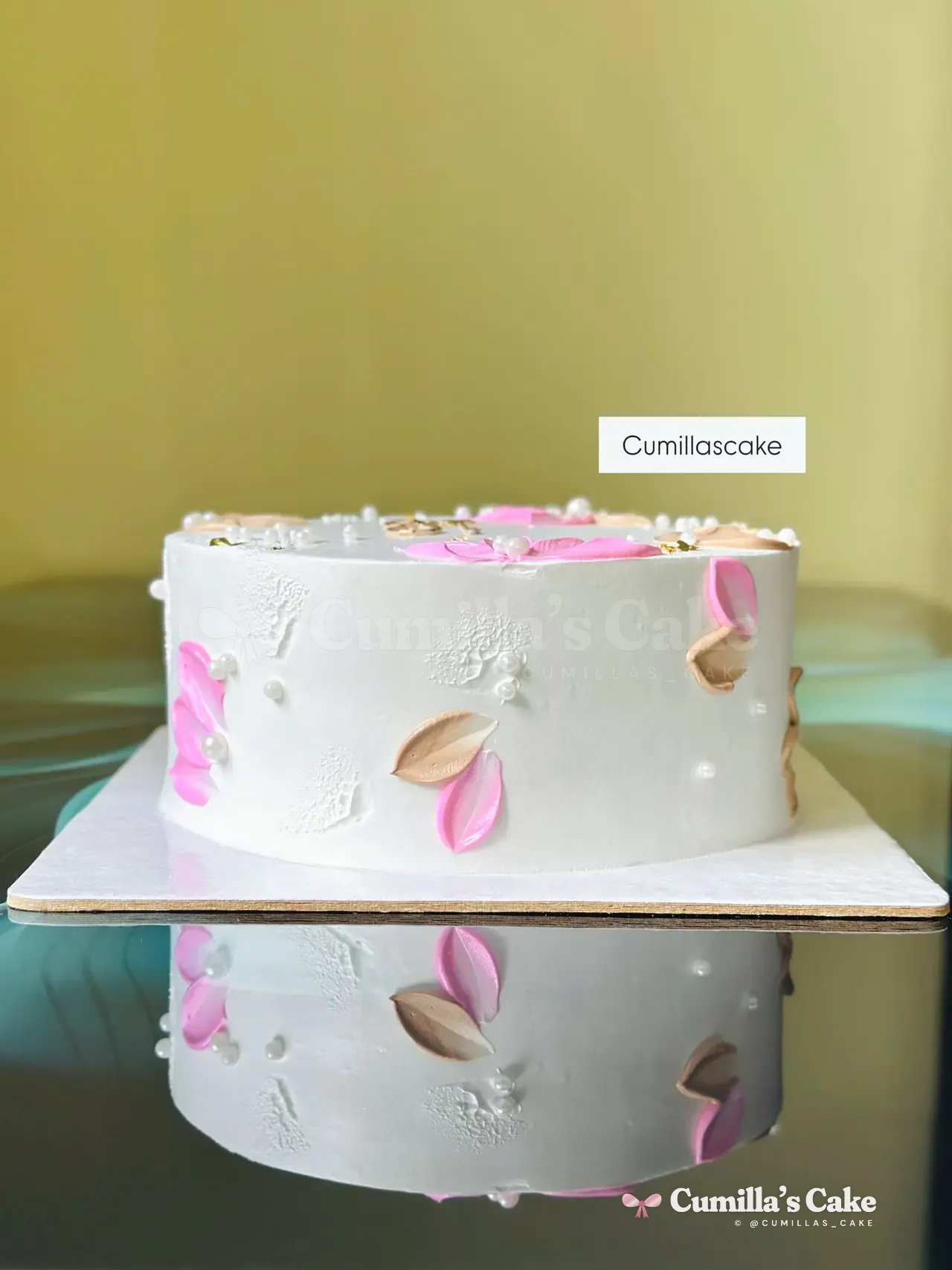 White cake with soft watercolour petals painted around the side
Keep the shape and lettering honest
Begin with the phone’s normal camera view. If the nearest edge looks unusually large, step back and reframe rather than pushing the phone closer. Tap the important detail to focus and check the letters at full size. A second clear frame is more useful than twenty almost identical blurred ones. If portrait mode clips a flower or blurs a topper, try the normal mode instead.
Leave a little space around the board so the image can later fit a square post or a tall story without cutting off the cake. Capture a clean version before adding stickers or a date. Save the original file; you can make a separate social version without losing the keepsake.
Edit the scene, not the cake’s identity
A modest crop and a small exposure adjustment can make the design clearer. Heavy saturation can turn a dusty rose into bright magenta, while aggressive smoothing can erase piping texture. Compare the result with the cake you saw. If sharing it as a reference for someone else, say when candlelight or a coloured room light changed its appearance.
Questions people ask
Do I need a professional camera for cake photos?
No. A phone, a prepared background and a small shot list can record the cake clearly. Light and composition deserve attention before equipment.
Should I always photograph a cake from above?
No. A top message, a tall flower and side painting need different viewpoints. Choose the angle that explains the important detail.
Should I use a strong filter to match the reference?
Keep a natural original. Strong filters can change the colour and hide texture, making the photo less useful as a future reference.
Cakes from this article

Keep reading
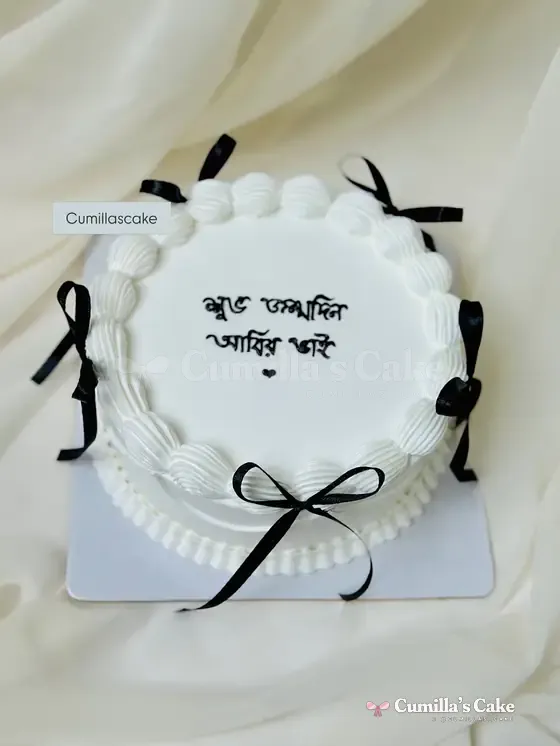 Black, navy and burgundy cakes: keep the detail readableBuild a dark cake palette with clear lettering, a deliberate focal point and a realistic photo plan, without confusing the outside colour with the flavour.Read
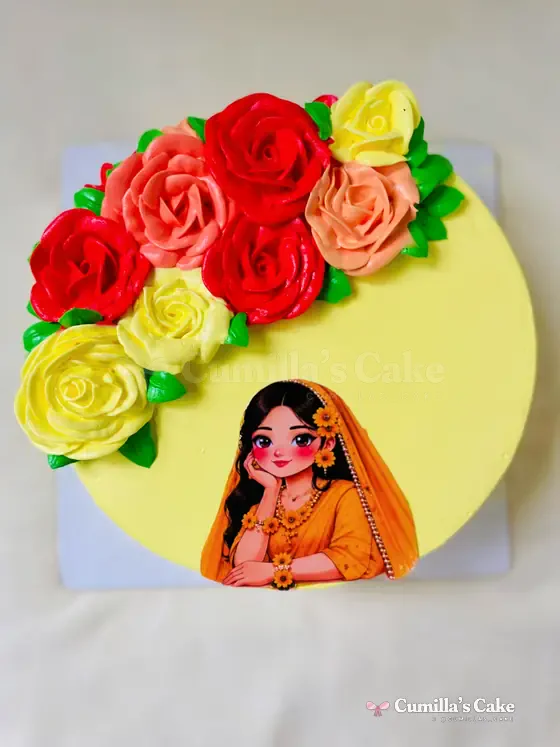 Match your cake to an outfit or event paletteBuild a clear cake palette from a main colour, an accent and a quiet background. Compare real floral, holud and birthday designs from Cumilla.Read
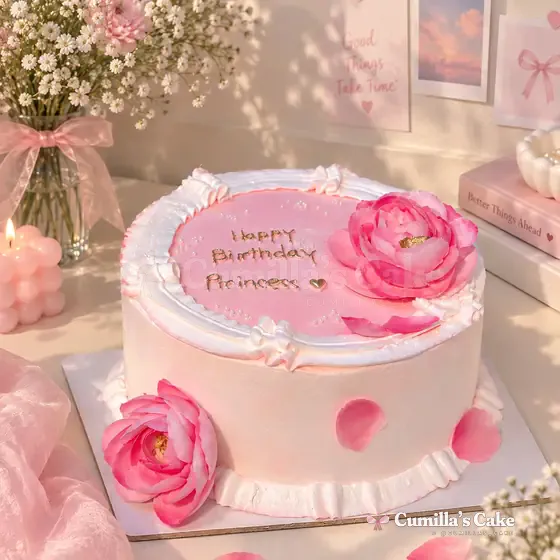 Plan your cake table: space, backdrop and photographsGive your cake a clear setting with a suitable table, a quiet backdrop and room for photographs. Confirm practical handling instructions with Mari.Read